OpenClaw Session Routing: Why Your Reply Ended Up on the Wrong Screen
Here's the scenario. You message your agent on Telegram, and the reply shows up in the desktop GUI. Not a bug. Just a default you haven't configured yet.
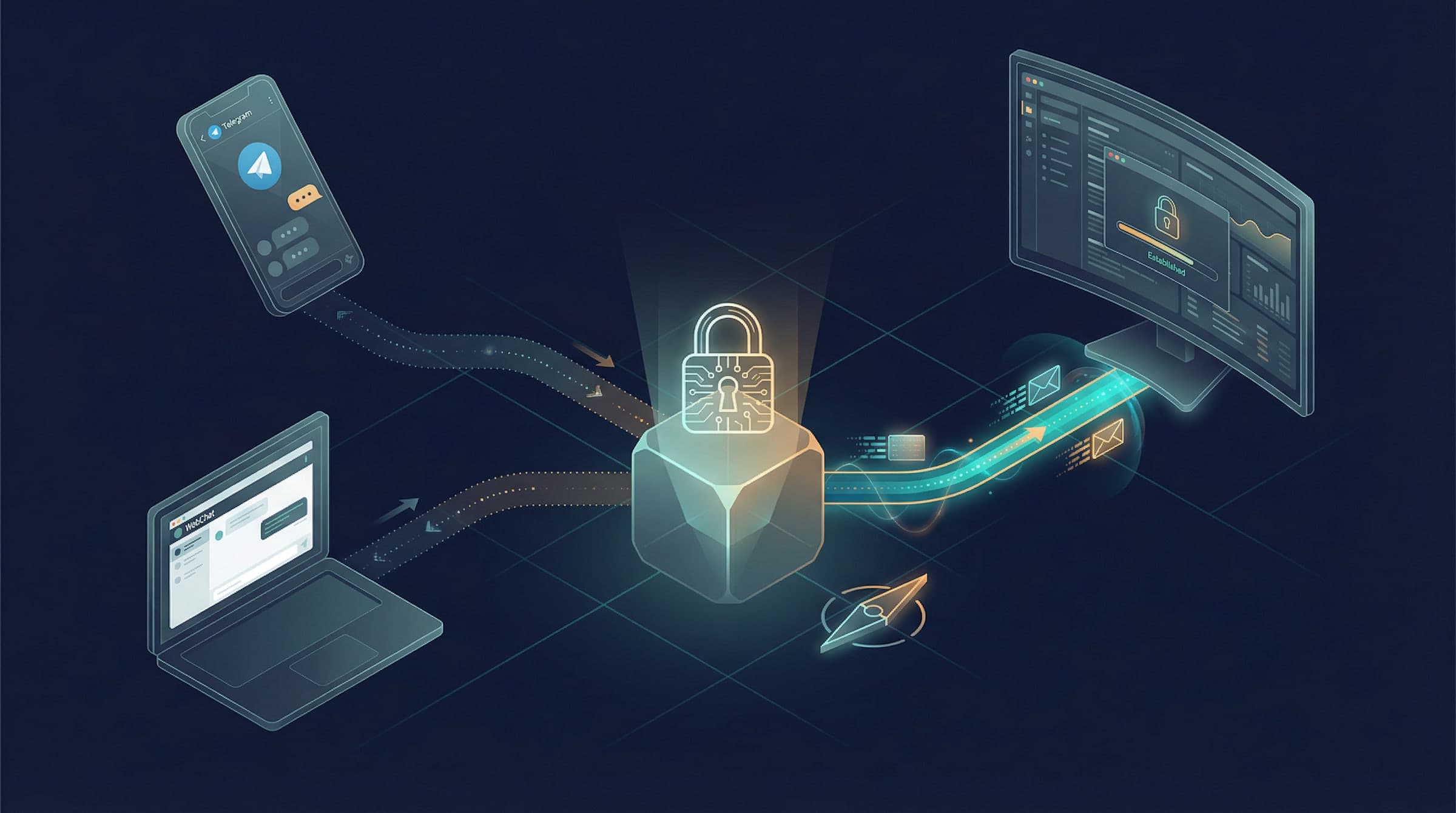
The TL;DR: all your DMs to an agent share a single session, and the system tracks which channel you used most recently. When the agent sends a proactive message (heartbeat, cron result, anything without a clear "reply to this message" context), it goes to that most-recent channel. You opened the GUI while waiting, the pointer moved, and the reply followed it.
The fix is a one-liner: pin your delivery targets instead of relying on the default. The rest of this post explains why, and covers the edge cases.
All DMs, One Session
Every private message you send to an agent, whether from Telegram, WhatsApp, or WebChat, lands in the same session:
agent:main:main
The agent sees a single conversation thread. It has no concept of "the Telegram conversation" vs "the WhatsApp conversation." They're all just messages in the same bucket, tagged with where they came from.
This is controlled by session.dmScope, defaulting to "main".
The upside is continuity. Start a conversation on Telegram, pick it up on WhatsApp, and the agent has full context. No "sorry, what were we talking about?" moment.
Group chats work differently. Each group gets its own key (agent:main:telegram:group:-1001234567890) and stays fully isolated.
How Reply Routing Actually Works
For normal request-response, routing is straightforward and deterministic. You ask on Telegram, the reply goes to Telegram. The model doesn't pick the channel. The code does.
From the docs:
OpenClaw routes replies back to the source channel. The model does not choose the channel; routing is deterministic and controlled by the host configuration.
The complexity shows up with proactive messages, ones where there's no inbound message to reply to. Heartbeats (the agent wakes up with something to say). Cron results (a scheduled task completed). Multi-step chains where the final output isn't a direct reply to anything.
For these, the system falls back to something called last route. Every time you interact with the agent from an external channel, the system calls updateLastRoute to record it. When a proactive message needs a destination and doesn't have an explicit one, it follows that pointer.
This is where the opening scenario comes from. You messaged on Telegram, opened the GUI while the agent was processing, the GUI updated the last route pointer, and the eventual reply went to the GUI.
Heartbeats are the most common version of this problem. The target field defaults to "last", so heartbeat reports land wherever the pointer happens to be pointing. If that's not where you're looking, you miss it entirely.
The docs acknowledge this directly:
Multiple devices/channels can map to the same session, but history won't fully sync back to every client. Recommendation: use one primary device for long conversations.
Translation: the system won't solve this for you. You need to configure explicit targets.
Fixing It
The underlying principle is simple: don't rely on "last". Pin your targets.
Pin heartbeat delivery
Change the heartbeat target from "last" to a specific channel:
{
  agents: {
    defaults: {
      heartbeat: {
        every: "30m",
        target: "telegram",
        to: "your Telegram chat ID"
      }
    }
  }
}
Want more practical breakdowns?
AI, engineering, and experiments. One or two useful emails a month.
No spam. Unsubscribe anytime.
Now it doesn't matter which device you glanced at five minutes ago. Heartbeats always land on Telegram.
Pin cron delivery
Same deal. Without explicit delivery.channel and delivery.to, isolated cron jobs fall back to last route.
openclaw cron add \
  --name "Morning brief" \
  --cron "0 7 * * *" \
  --tz "America/Los_Angeles" \
  --session isolated \
  --message "Summarize overnight updates." \
  --announce \
  --channel telegram \
  --to "your Telegram chat ID"
JSON equivalent:
{
  delivery: {
    mode: "announce",
    channel: "telegram",
    to: "your Telegram chat ID"
  }
}
Give each channel its own session
If you don't actually need cross-channel continuity, split them:
{
  session: {
    dmScope: "per-channel-peer"
  }
}
Telegram gets agent:main:telegram:dm:yourID, WebChat gets agent:main:webchat:dm:yourID. Fully isolated. No routing confusion possible.
The tradeoff: switch channels and the agent has zero memory of what you discussed on the other one.
Or just pick a primary channel and stick to it
If you want shared sessions but don't want to get burned by last route, the simplest fix is discipline:
- Talk to the agent from one channel (say, Telegram)
- Use the GUI for reading history, not sending messages
- Pin heartbeat and cron targets to that same channel
Low-tech, but it keeps last route from moving around on you.
Quick Reference
| Scenario | How target is determined | What to do |
|---|---|---|
| Direct reply to your message | Routes back to source channel, deterministic | Nothing needed |
| Heartbeat | target field, defaults to "last" | Pin to a fixed channel |
| Isolated cron job | delivery.channel + delivery.to, falls back to last route | Specify explicitly |
| Main-session cron (system events) | Follows heartbeat target | Make sure heartbeat target is correct |
| Agent calls messaging tool | Tool arguments decide | Determined by the agent's prompt |
Channel Visibility
You can control which heartbeat signals show up on which channel:
channels:
  defaults:
    heartbeat:
      showOk: false      # suppress "all clear" pings
      showAlerts: true    # surface alerts
      useIndicator: true  # send status indicator to UI
  telegram:
    heartbeat:
      showOk: true        # show everything on Telegram
Priority order: per-account > per-channel > channel defaults > built-in defaults.
A useful pattern: let Telegram show all heartbeat feedback (so you always know the agent is alive) and configure Slack to only show alerts (so it doesn't turn into noise).
Telegram Forum Topic Delivery
If you use Telegram Forums (groups with topics), cron jobs can target a specific topic:
-1001234567890:topic:123
Group ID plus topic ID. If results are landing in "General" instead of your target topic, make sure you're using the :topic: format. That's almost always the issue.
Send Policy
To wholesale block certain delivery paths, use sendPolicy:
{
  session: {
    sendPolicy: {
      rules: [
        { action: "deny", match: { channel: "discord", chatType: "group" } },
        { action: "deny", match: { keyPrefix: "cron:" } }
      ],
      default: "allow"
    }
  }
}
This kills all Discord group delivery and all cron delivery.
Runtime overrides:
/send onallows delivery for the current session/send offblocks it/send inheritclears the override, falls back to config
Cross-Channel Identity Linking
In per-peer or per-channel-peer mode, the same person on Telegram and Discord shows up as two separate identities by default. You can merge them with identityLinks:
{
  session: {
    identityLinks: {
      alice: ["telegram:123456789", "discord:987654321012345678"]
    }
  }
}
Both channels map to a single canonical ID and share a session. Useful if you have users who contact your agent from multiple platforms and you want them to have one continuous thread.
The Bottom Line
Your reply ended up on the wrong screen because all DMs share a session and the last route pointer got bumped when you opened a different client. The system did exactly what it was configured to do.
The fix: set target: "telegram" on your heartbeat, set --channel telegram --to <chat_id> on your cron jobs, and stop relying on "last". It's a config problem, not a code problem.
New ideas, straight to your inbox.
AI, engineering, and experiments. One or two useful emails a month.
No spam. Unsubscribe anytime.